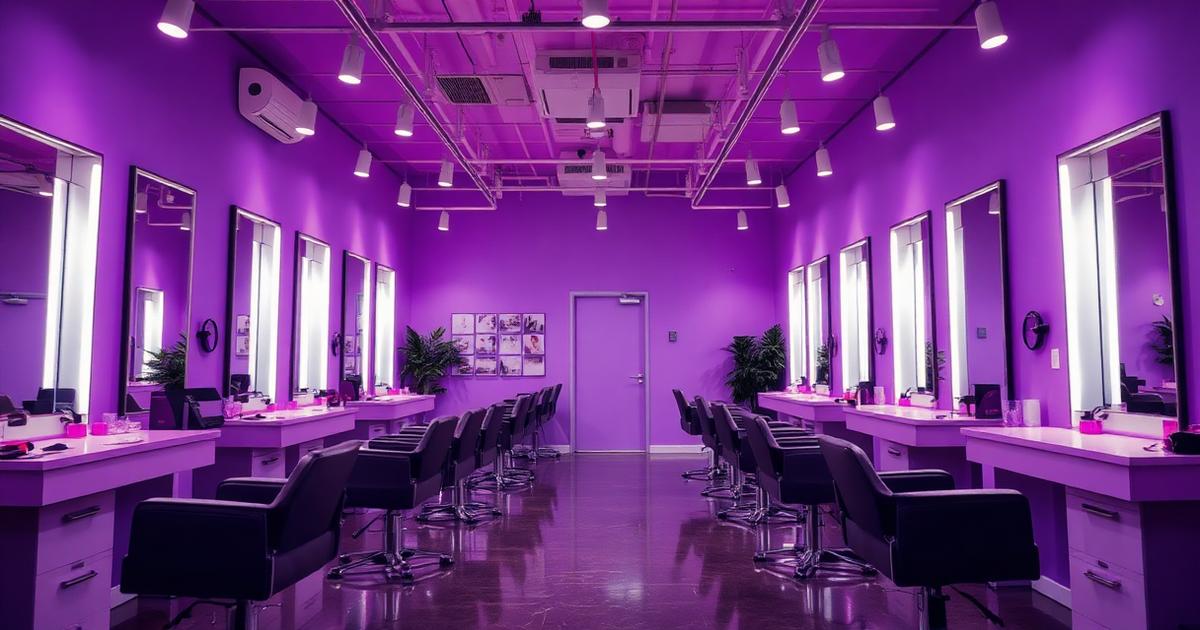
Online booking fails for one of two reasons: the setup was never finished, or nobody told customers it exists. This guide fixes both.
The setup checklist
- Add your services with realistic durations — a 45-minute cut booked as 30 minutes creates chaos by noon.
- Add staff members and mark who performs which service.
- Set opening hours, weekly off and break timings.
- Set a booking buffer so customers cannot book a slot ten minutes from now.
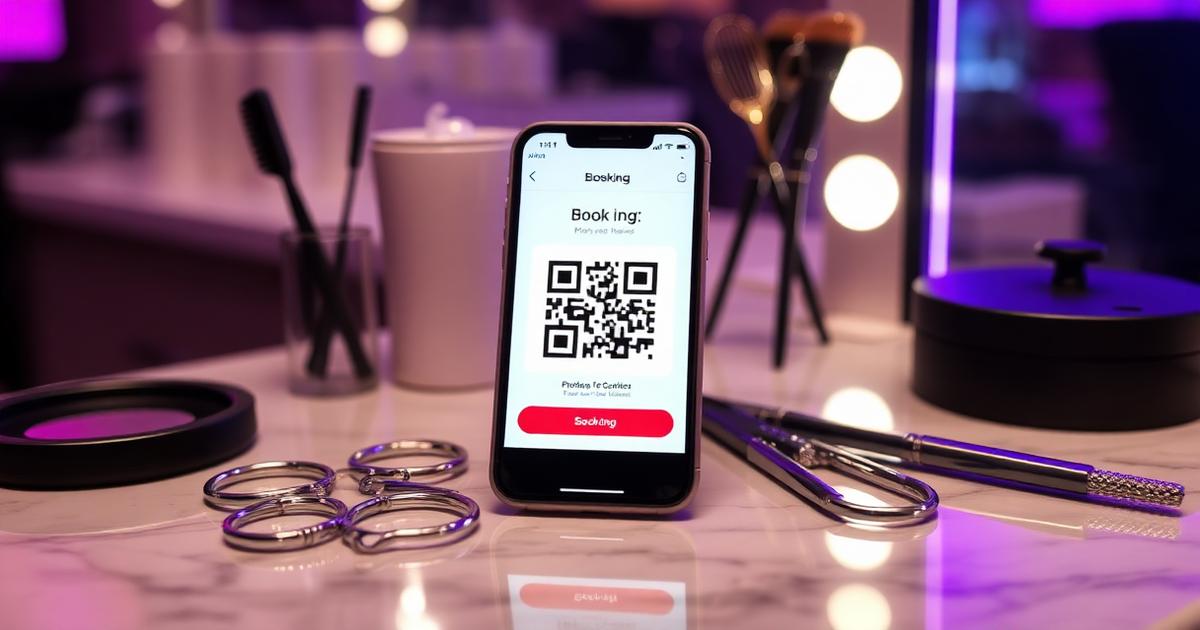
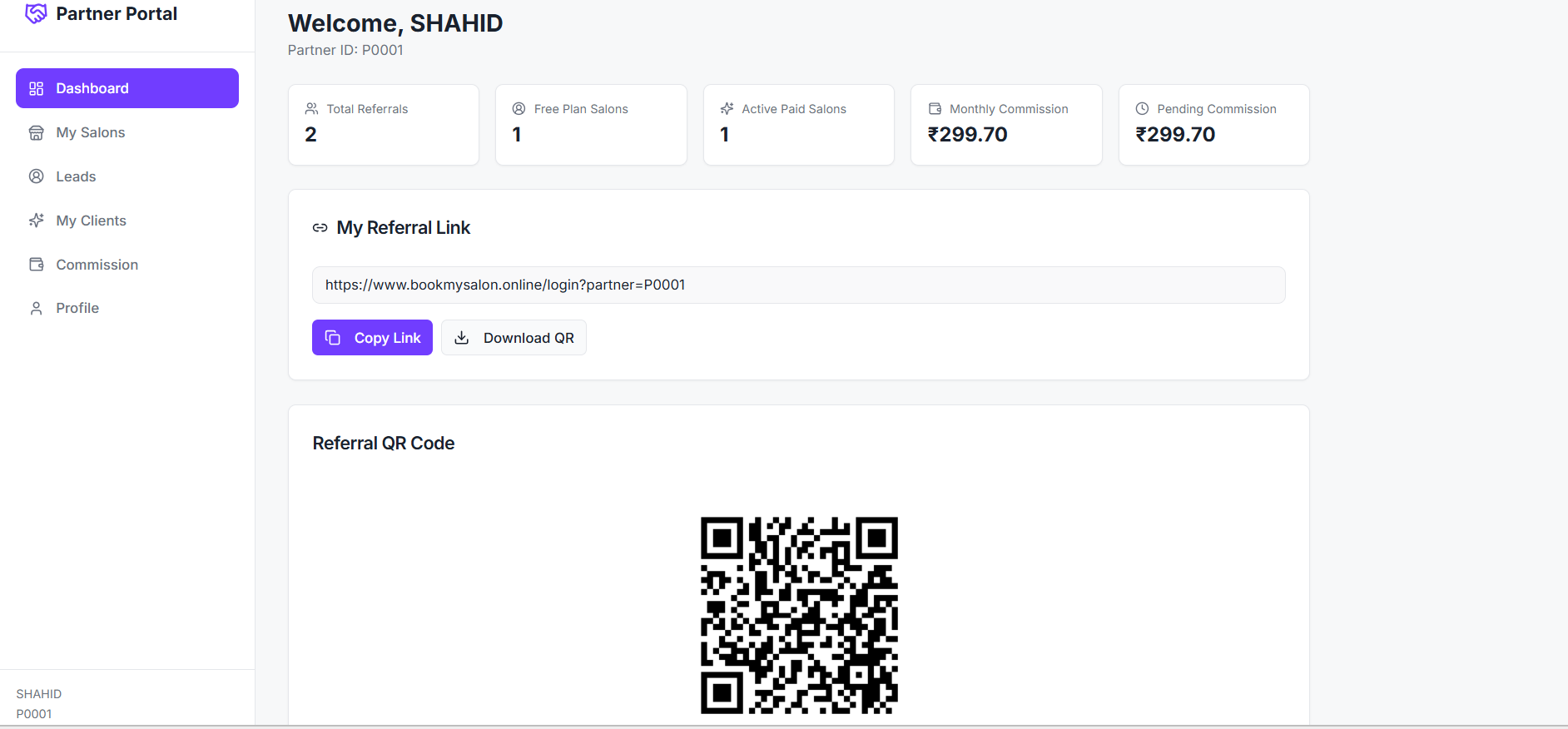
- Publish the booking link and download the QR code.
Getting customers to actually use it
- Put the QR code at the billing counter and on the mirror station.
- Set the booking link as the website link on Instagram and Google Business Profile.
- Add the link to your WhatsApp Business away message.
- Ask staff to say one line at checkout: 'next time you can book from this link, it takes ten seconds'.
What to measure after two weeks
| Metric | What good looks like |
|---|---|
| Share of bookings made online | 20%+ within the first month |
| No-show rate | Falling week over week |
| Repeat customers | Rising as the customer database fills |
If the online share stays near zero, the problem is promotion, not the tool. Put the QR code where customers already look and the number moves within days.
Frequently asked questions
BookMySalon Team
Partner Success Team
The BookMySalon Partner Success team supports partners with onboarding, demos, sales material and commission questions six days a week. They publish practical playbooks based on real partner conversations.
All articles by BookMySalon TeamStart earning recurring monthly commission
Join the BookMySalon Partner Program — zero investment, up to 60% recurring commission and full support from our team.
Newsletter
Partner playbooks, once a month
Commission tips, salon growth guides and product updates. No spam — unsubscribe anytime.